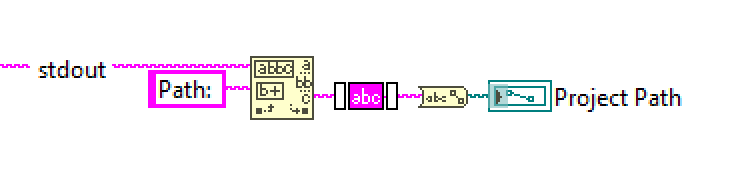
Get Project Path
This function will get the LabVIEW Project File Path associated with the specified Product. This is the same attribute that is defined from Configure Attributes:
get-project-path %ID_Product%
where
%ID_Product% is the ID of the Product
It returns:
%Path%: the File Path of the LabVIEW Project on disk
Example:
"BLT Automation.exe" "get-project-path 12"
Standard output:
"Execute command: get-project-path
Try to connect BLT for LabVIEW.exe...
Connection successful!
Sending and Processing command...
Path: C:\GitClones\My Product\My LabVIEW Project.lvproj
"
To extract the value of %Path%, you must search from the text "Path: " in the Standard Output and take the text that is found after (trim it for white spaces after retrieval).